Draw metal and insert vias
Read coordinates and widths from a worksheet. Draw the paths on the mapped metal layers and insert vias at eligible crossings.
UrLayout reads GDS and OASIS layouts and works with CDL netlists. Generate geometry, inspect it in the editor and review the results of design-rule and layout-versus-schematic checks.
Read coordinates and widths from a worksheet. Draw the paths on the mapped metal layers and insert vias at eligible crossings.
Generate a six-transistor OTA, resize its devices and compare candidate layouts. The SKY130 and GF180MCU examples use the same amplifier topology.
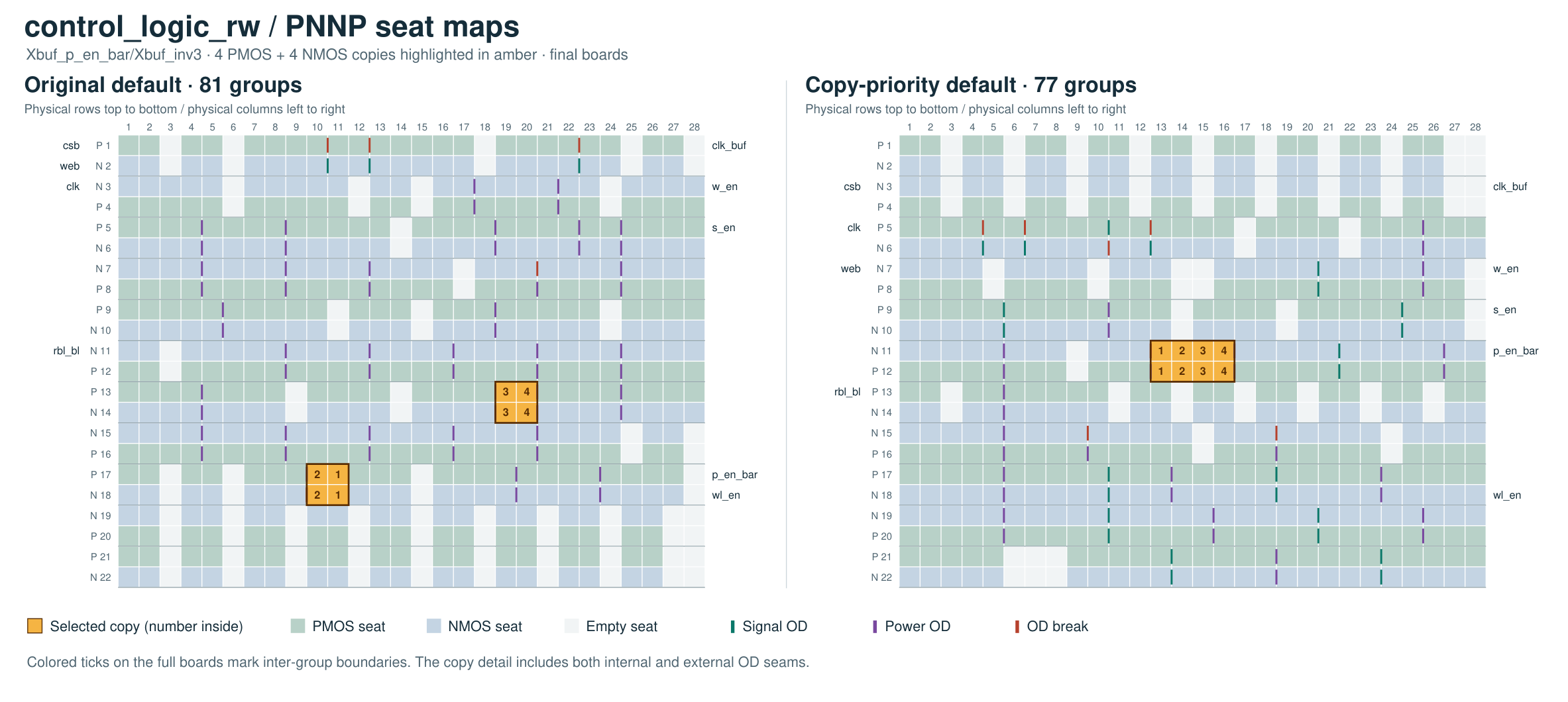
Open PDK examplesSelect a CDL subcircuit, set the row pattern and pin constraints, then compare transistor placements using estimated wire length.
View SRAM placement comparisonThe initial search took about 43 minutes. In a follow-up run, the channel length changed from 1 to 0.5 µm, the input pair widened and the finger counts increased. UrLayout generated and verified the resized layout in 1 minute 48 seconds using one candidate.
In this six-transistor OTA compaction run, 32 candidates entered the search. Six failed geometry checks, ten failed DRC and sixteen passed both DRC and LVS.
Smaller layout area in the best candidate
Turn an engineering method into a Skill. Review its tools and search limits, run trials on copies of the layout, then choose a candidate to apply.
See how optimization Skills workChoose a local model, GPT or Claude separately for chat, Skill authoring and optimization strategy. Use local models for workflows that must stay on site.
Compare DRC, LVS and extraction results for each optimization trial. Review the selected layout before applying it to the active design.